
Requirements
Make sure you have a linux environment with nasm and qemu installed. You can install them using your package manager.
Printing a letter to the screen
To print something to the screen, we need to write a bootloader. A bootloader is a small piece of code that runs when the computer starts up. It is responsible for loading the kernel into memory and transferring control to it. On the x86, the boot loader runs in Real Mode. Consequently it has easy access to BIOS resources and functions.
For printing to the screen, we can use the BIOS interrupt 0x10. This interrupt provides various video services, including printing characters to the screen.
You can check out the Ralf brown’s interrupt list for more details on the available functions.
So for printing a character, we can use the 0Eh function of the 0x10 interrupt. This function takes the character to be printed in the AL register.
So to write the letter A to the screen, we can use the following code:
ORG 0x7C00BITS 16
mov ah, 0eh ; Set the function number for teletype outputmov al,'A' ; Load the character 'A' into ALint 0x10 ; Call the BIOS video interrupt to print the characterjmp $
TIMES 510-($-$$) db 0DW 0xAA55ORG 0x7C00: Tells the assembler to assemble the instructions from origin 0x7C00. BIOS loads bootloader at physical address 0x7C00 hence we have to assemble our bootloader starting from that location.
BITS 16: This is an assembler directive. This will tell assembler that our code is a 16 bit code.
jmp $: JMP at location $ means jumping to the same location. This is just an infinite loop. We just want to hang our code here.
TIMES 510 - ($ - $$) db 0: As bootloader is always of length 512 bytes, our code does not fit in this size as its small. We need to use rest of memory and hence we clear it out using TIMES directive. $ stands for start of instruction and $$ stands for start of program. Thus ($ - $$) means length of our code.
DW 0xAA55: This is boot signature. This tells the BIOS that this is a valid bootloader. If bios does not get 0x55 and 0xAA at the end of the bootloader than it will treat bootloader as invalid. Thus we provide this two bytes at the end of our bootloader.
Now to compile this code, we can use the following command:
nasm -f bin boot.asm -o boot.binAnd to run it using qemu, we can use the following command:
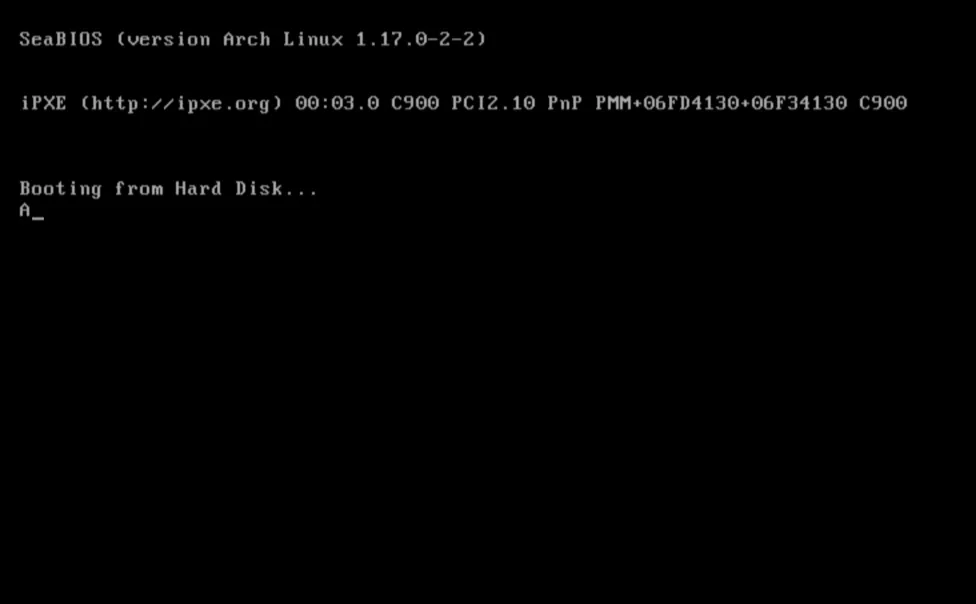
qemu-system-x86_64 boot.binAnd tada! You should see the letter A printed on the screen. Congratulations on writing your first bootloader!
Printing “Hello world!”
Now that we have printed a single character to the screen, let’s print “Hello world!” to the screen.
For this, we can use the same 0Eh function of the 0x10 interrupt, but this time we will need to print each character of “Hello world!” one by one.
We can store the string “Hello world!” in the memory and then use a loop to print each character until we reach the null terminator.
Here is the modified code to print “Hello world!”:
ORG 0x7c00BITS 16
mov si, message ; Loads the address of the message into SIcall printjmp $
print: ; Prints the string at SI until it reaches the null terminator lodsb ; Loads the byte at SI into AL and increments SI cmp al, 0 ; Checks if the byte is the null terminator je .done ; If it is the null terminator, jump to .done call print_char ; If not, print the character in AL jmp print ; Continue the loop to print the next character.done: ret
print_char: ; Prints the character in AL to the screen mov ah, 0eh int 0x10 ret
message: db "Hello, World!", 0
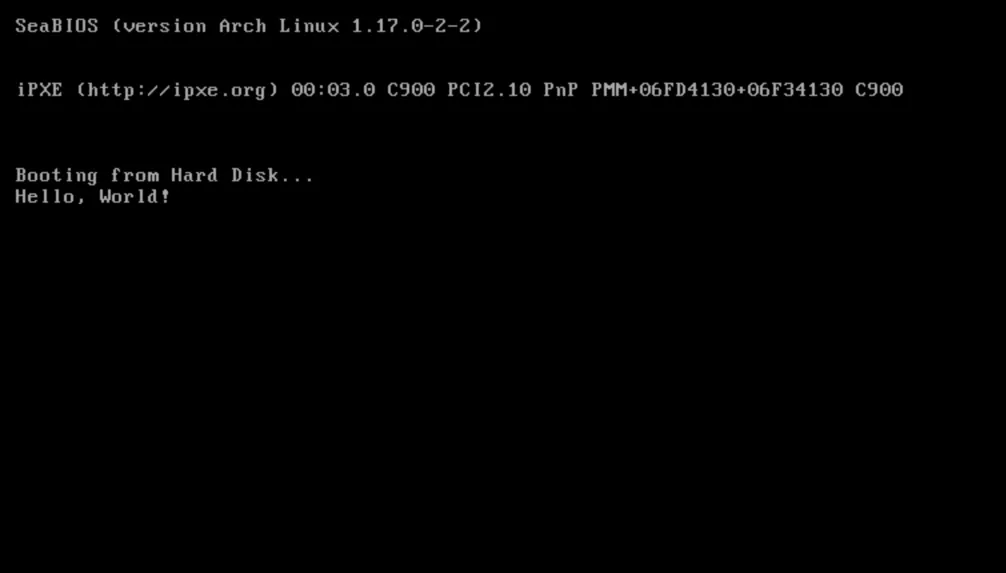
TIMES 510-($-$$) db 0DW 0xAA55And we finally get our hello world!